WILSON LEWIS
ACCOUNTING • TAX • ADVISORY
GXP PLATFORM BUILDER
Step 8 of 8  •  Review & Launch
Need help?
Contact Support
JD
John Doe
Wilson Lewis
Step 1 of 8

Company Branding

Upload your logo and brand assets to create a fully branded gifting experience. These elements will be used throughout your portal and communications.

Primary Logo
WILSON LEWIS
ACCOUNTING • TAX • ADVISORY
Recommended: PNG or SVG, transparent background
Alternate Logo (Optional)
Recommended: PNG or SVG, transparent background
Favicon (Optional)
Recommended: PNG, 512x512px
Brand Guidelines (Optional)
brand-guidelines.pdf
2.4 MB
Recommended: PDF up to 10MB
Brand Colors
Primary Color
Secondary Color
Accent Color
Fonts (Optional)
Heading Font
Body Font
Step 2 of 8

Choose Your Portal Style

Select a design style that best reflects your brand and the experience you want to create. You can customize it further in the next steps.

Not sure which style to choose? You can preview each style and see how your brand looks before making a decision.
Step 3 of 8

Choose Your Program Type

Select how your portal will be used so we can configure the right experience for you.

WILSON LEWIS
SHOP ALLCOLLECTIONS ▾INTERESTS ▾OCCASIONS ▾NEW ARRIVALSSALE
Thoughtfully chosen.
Perfectly delivered.
Premium gifts for every occasion.
Shop by Interest
{{ it.label }}
All Gifts (238)Sort By: Best Selling
{{ p.n }}
{{ p.p }}
★★★★★({{ p.rev }})
Step 4 of 8

Select Gift Collections

Choose the collections you want to include in your portal. You can customize, add or remove collections anytime.

Step 5 of 8

Define Gift Levels

Create the gift tiers that will be available in your invitation-only program. Each level can have a custom name, description, and spending range.

Gift Levels
Add, edit, reorder, or remove gift levels to match your program.
{{ t.tier }}
{{ t.name }}
{{ t.short }}
Spend Range (USD)
{{ t.min }} – {{ t.max }}
Description (Optional)
{{ t.long }}
How gift levels work
{{ levelsNote }}
Step 6 of 8

Upload Recipients

Upload your recipient list to send invitations. You can assign each recipient to a gift level and include optional personal details.

Upload Recipients
Choose how you'd like to add your recipients.
Recipients_2024_Holiday.csv
3,248 recipients
File uploaded successfully
All columns recognized
Column Mapping
Review and confirm how your data columns are mapped.
Required FieldYour Column HeaderPreview
{{ m.req }}{{ m.prev }}
Step 7 of 8

Design Your Invitation Email

Customize the email your recipients will receive. This is your invitation to choose their gift.
Email Elements
Drag and drop to customize your email.
Text
Image
Button
Divider
Social
Video
Content Blocks
Header
Text + Image
Image + Text
Three Columns
Two Columns
Footer
Merge Tags
Personalize your email with merge tags.
Subject Line
WILSON LEWIS
Hi {​{First Name}​},
A Special Gift,
Selected Just For You.
To thank you for your partnership, we invite you to choose a gift from our {​{Gift Level}​} collection — our treat, delivered wherever you like.
Please make your selection by June 16, 2025.
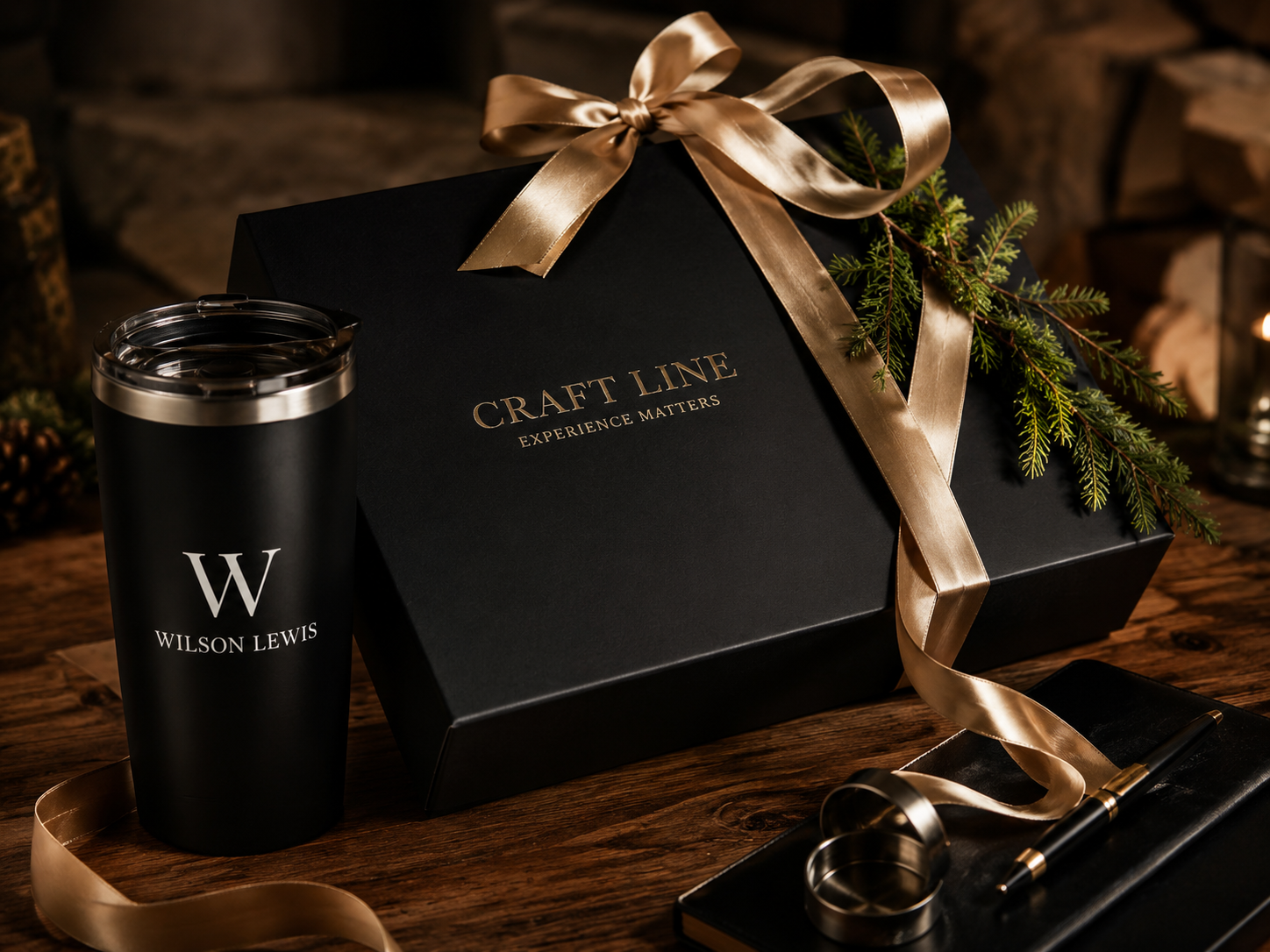
Branded gift box
1
Choose your gift
Browse your curated collection and pick a favorite.
2
Tell us where to ship
Enter your preferred delivery address.
3
Enjoy
Your gift arrives beautifully packaged.
Thank you for being a valued part of Wilson Lewis.
We appreciate you.
{{ emailFrom }}
Header Background
Button Color
Heading Font
Style changes apply instantly to the email preview on the right. Your brand colors come from Step 1.
Sender Name
Reply-To Email
Send Date
Reminder Emails
Invitations will be sent to all 3,248 recipients from Step 6 on your send date. Each email is personalized with the recipient's name and gift level.

Review & Launch

Review your program details, preview your portal, and launch your gift experience.

{{ c.iconEl }}
{{ c.v }}
{{ c.l }}
{{ c.link }}
Projected PerformanceLast 30 Days
Projected results based on programs similar to yours — live analytics replace these after launch.
{{ m.v }}
{{ m.l }}
{{ m.s }}
{{ y.label }} {{ x.label }}
{{ l.label }}
Top Gift SelectionsView All
{{ g.r }}
{{ g.n }}
{{ g.c }}
{{ g.s }}{{ g.p }}
Recent ActivityView All
{{ a.iconEl }}
{{ a.t }}
{{ a.d }}
Program Checklist
{{ c.iconEl }}{{ c.t }}{{ c.status }}
🎉You're almost ready to launch!
Everything looks great. When you launch, your recipients will receive their invitations and can start selecting their gifts.
What happens next?
{{ n }}
You can make changes anytime, even after launch.
Branding
Headings: {{ headingFont }}  ·  Body: {{ bodyFont }}
Portal
Style: {{ summaryStyle }}
Program type: {{ summaryProgram }}
Collections ({{ selCount }})
{{ summaryCollections }}
Gift Levels ({{ tiersCount }})
{{ summaryTiers }}
Recipients
3,248 recipients from Recipients_2024_Holiday.csv
All columns mapped · 3,248 invitations to send
Invitation Email
Subject: A Special Gift, Just For You
From: {{ emailFrom }}  ·  Sends: {{ sendDate }}
Send a Test Invitation
Send yourself the invitation email exactly as recipients will receive it, with sample merge data.
Test email sent to john.doe@wilsonlewis.com
Test Your Portal
Walk through the gift selection flow as a recipient would see it. Test mode — no real orders are placed.
Ready to launch your program?
On launch, {{ launchSummary }} will go live. Invitations are personalized with each recipient's name and gift level.
Launch Date
Reminders
You can make changes anytime, even after launch.
{{ railLabel }}
Invitation Email — Full Preview
Previewing as
Subject: A Special Gift, Just For You  ·  From: {{ emailFrom }} ({{ replyTo }})
WILSON LEWIS
Hi {{ sampleFirst }},
A Special Gift,
Selected Just For You.
To thank you for your partnership, we invite you to choose a gift from our {{ sampleLevelName }} Collection — our treat, delivered wherever you like.
Please make your selection by June 16, 2025.
Branded gift box
1
Choose your gift
Browse your curated collection and pick a favorite.
2
Tell us where to ship
Enter your preferred delivery address.
3
Enjoy
Your gift arrives beautifully packaged.
Thank you for being a valued part of Wilson Lewis.
We appreciate you.
{{ emailFrom }}
View in Browser